Samsung Refrigerator 22E Error Keeps Coming Back After Defrost
Samsung 22E error back after a 24-hour defrost? Check the evaporator fan, door gasket, and defrost sensor in order, and learn when to call a licensed tech.
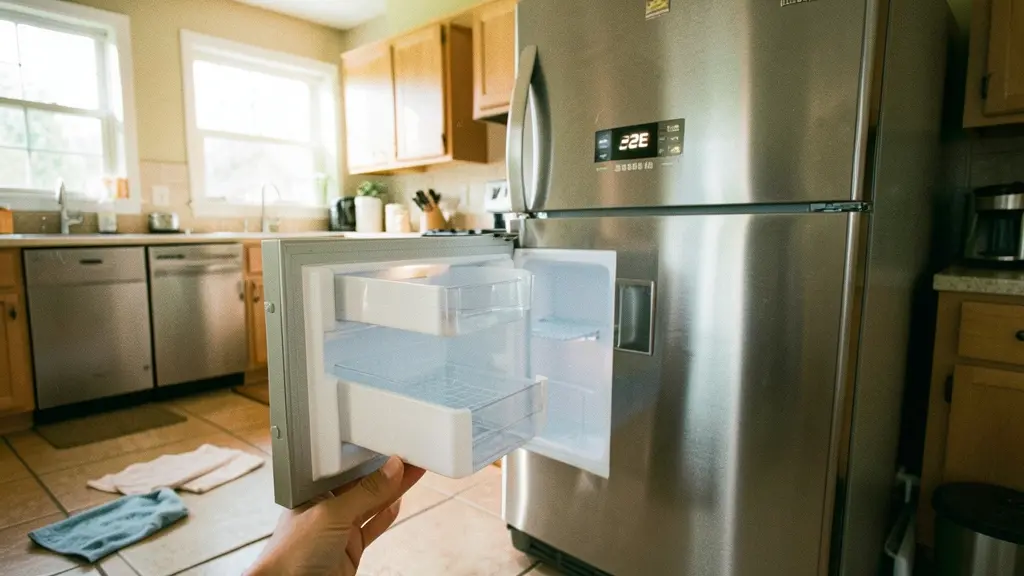
Table of Contents
If the 22E code returns after you unplugged the fridge and defrosted it for 24 hours, ice on the coil is probably no longer the whole story. Check three things in this order: the evaporator fan (spins freely, no ice or rubbing), the door gasket (seals tight all the way around), and the defrost sensor (reads a sensible resistance on a multimeter).
On most Samsung models, 22E points to a freezer fan problem. A manual defrost clears the symptom, but if the fan is worn, the door lets in humid air, or the defrost system has failed, the ice returns and the code follows. This guide shows you how to check each part safely. It also tells you the point where a licensed technician is the better call.
Safety first: Unplug the refrigerator before you remove any panel or touch a wire. Never poke, pry, or chip at the evaporator coil. The refrigerant lines run through it, and a puncture is not a DIY repair.
1. Why the Samsung 22E error keeps coming back after defrost
Samsung uses the same “22E” label across several models, but the usual meaning is a freezer evaporator fan fault. The control board expects the fan to run and report back. If it doesn’t, the board throws the code. Numbering can differ slightly by model, so confirm it in your manual or the sticker inside the fridge.
A 24-hour defrost only fixes one cause: ice jamming the fan. It does nothing about why the ice formed. Three things commonly bring it back:
- A worn or failing fan motor. The blade may be fine, but the motor drags, stutters, or stops once it warms up or frosts over.
- A leaky door seal. Warm, humid air gets in, freezes on the coil, and builds an ice shell around the fan housing. This shows up faster in humid summers, such as the Southeast and Gulf Coast.
- A defrost system that isn’t working. A bad defrost sensor, heater, thermal fuse, or control board lets frost stack up every cycle.
Frost that reforms within days usually points to a defrost system problem. Frost that takes weeks usually points to a door seal or usage issue.
2. Step-by-step: check the fan, gasket, and defrost sensor
Set aside about 60–90 minutes. Move frozen food to a cooler with ice or a neighbor’s freezer first. Check the temperature before you start: the freezer should sit near 0°F and the fridge section near 37°F.
Step 1: Check the evaporator fan blade and motor
Unplug the fridge. Empty the freezer shelves and bins, then remove the rear panel. Most are held by a few screws (often 1/4-inch hex or Phillips) and sometimes plastic clips. Models vary, so look up your model number’s panel removal steps before you pry.
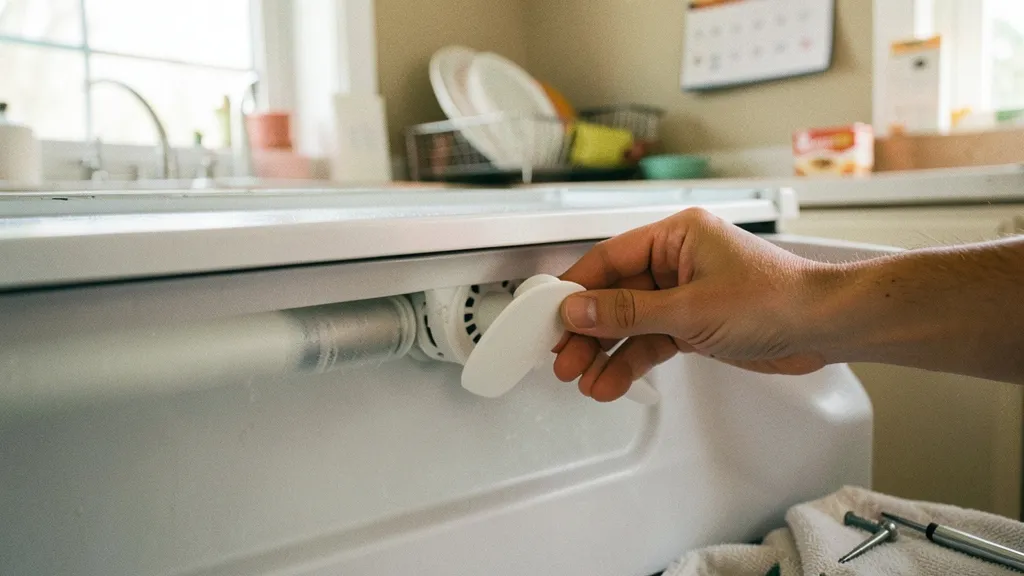
Once the panel is off, check for these signs:
- Ice around the fan housing. If the blade is encased in ice again, the defrost system is failing upstream. Clearing it only buys time.
- Blade rubbing. Spin it by hand. It should turn smoothly and coast for a moment. Grinding, wobbling, or catching on the shroud means the motor or housing needs replacing.
- Foreign objects. A loose ice cube, a bag corner, or a wrapper can jam the blade.
- Damaged wiring. Look at the connector for melted plastic or darkened pins. If you see that, stop and call a technician.
If the fan feels rough or the motor shaft has side-to-side play, replace the fan motor. It is a common DIY part swap on many Samsung models when you match it to your exact model number.
Step 2: Test the door gasket
Close the freezer and fridge doors on a dollar bill at several spots: top corners, bottom corners, and the middle of each side. You should feel firm drag when you pull the bill out. If it slides out easily at any spot, the seal is leaking there.
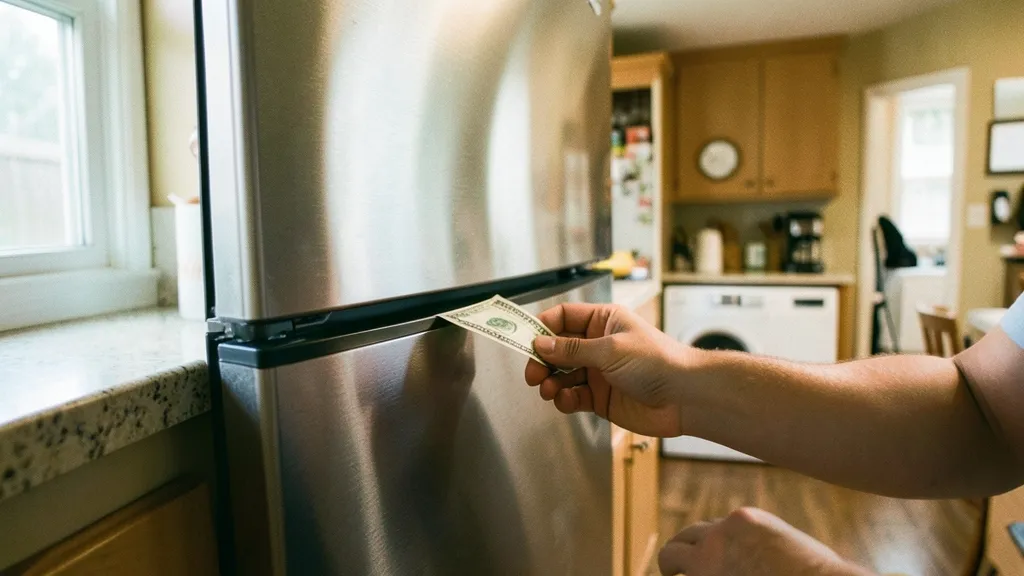
Fix the cheap causes first:
- Clean the gasket with warm water and a drop of dish soap. Sticky residue keeps it from sealing. Dry it fully.
- Check for folds or flat spots. A gasket folded under at a corner often recovers after a few hours of the door being shut.
- Check the door isn’t held open. A bin, bag, or ice maker bucket sticking out about 1/4 inch is enough to break the seal.
- Check the level. The front of the fridge should sit slightly higher than the back so the doors swing shut on their own.
If the gasket is cracked, torn, or permanently warped, replace it. Do not tape over the gap.
Step 3: Test the defrost sensor
The defrost sensor is a small thermistor, often in a plastic housing, clipped to the evaporator coil. Check your model’s parts diagram for its location. With the fridge unplugged, disconnect it at the wire connector.
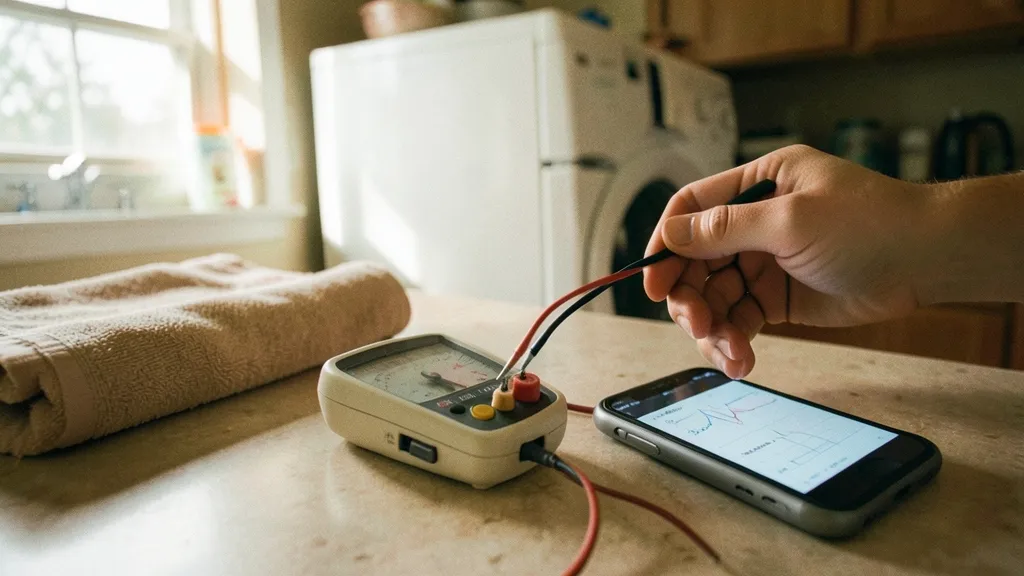
Set your multimeter to ohms and touch the probes to the two leads. Here’s what the reading tells you:
- Reading in the low thousands of ohms at room temperature (about 77°F): typical for many fridge thermistors. Match it against your model’s service chart, because values vary.
- Reading goes up as the sensor gets colder. Hold it in a cup of ice water for a minute (32°F). The resistance should rise noticeably.
- 0 ohms or no reading at all (OL): the sensor is shorted or open. Replace it.
- Reading doesn’t change at all: the sensor is stuck. Replace it.
A good sensor doesn’t clear the defrost system. The defrost heater and thermal fuse can also fail. Both are testable with a multimeter, but they sit behind the evaporator cover. If you aren’t comfortable going that far, see the next section.
After any repair, plug the fridge back in and give it 24 hours to stabilize before judging whether the code is gone. A related sign of defrost trouble is water pooling inside the fridge. See how to clear a clogged refrigerator defrost drain if you spot that.
3. Quick-reference table
| What you see | Likely cause | What to do |
|---|---|---|
| Ice around the fan, code back within a week | Defrost sensor, heater, thermal fuse, or board | Test the sensor; call a tech for the heater or board |
| Fan blade rubs or grinds | Worn motor or damaged housing | Replace the fan motor |
| Blade spins freely, no ice, code returns | Motor or its feedback wire failing | Replace the fan; if code stays, call a tech |
| Dollar bill slides out easily | Leaky door gasket | Clean it, then replace it if it’s warped |
| Frost builds slowly over several weeks | Humid air, door left ajar, gasket wear | Fix the seal; check door habits |
| Sensor reads 0 ohms or OL | Failed sensor | Replace it |
| Freezer warm but fridge section cold | Airflow blocked or fan failing | Check the fan and vents; compare with this Frigidaire warm-fridge, cold-freezer guide for similar airflow checks |
4. When to call a licensed technician
Stop the DIY work and call a licensed appliance technician if any of these apply:
- The code returns within 48 hours after you replaced the fan or sensor.
- Ice rebuilds on the evaporator cover within about a week. This points to the defrost heater, thermal fuse, or control board.
- You see burn marks, melted connectors, or a burning smell.
- You find oily residue, hissing, or frost on refrigerant lines. Never touch these.
- Your freezer stays above 10°F for more than a few hours and food is at risk.
For food safety, the USDA says perishable food held above 40°F for more than 2 hours (1 hour above 90°F) should be tossed. Frozen food that still has ice crystals can usually be refrozen.
5. Common mistakes and how to avoid them
- Chipping ice off the coil. A screwdriver or knife can puncture a refrigerant line. Melt it with the fridge unplugged and the doors open, and put towels down.
- Using a hair dryer on high heat. It can warp the plastic fan shroud and liner. Use a low setting from a distance, or just wait.
- Resetting the fridge repeatedly. If you’ve unplugged it more than twice and the code returns, stop. Something is failing.
- Ignoring the gasket because it looks fine. A seal can look intact and still leak at one corner. Use the dollar bill test at all four corners.
- Skipping the 24-hour settle time. The code can briefly flash while temperatures recover. Wait a full day before deciding a repair failed.
If the freezer fills with frost near the ice maker, the cause may be moisture there. This Whirlpool fill tube guide shows how to thaw one safely, and the same general principles apply.
Câu hỏi thường gặp
What does the 22E code mean on a Samsung refrigerator?
On most Samsung models, 22E points to a problem with the freezer evaporator fan. The fan may be iced over, jammed, or failing, or its feedback signal may be lost. The exact number can differ by model, so confirm it against your owner’s manual.
Can I just keep unplugging my fridge to clear the code?
You can, but it only treats the symptom. If the fan, gasket, or defrost system is faulty, ice returns and so does the code. After two resets with no lasting fix, run the three checks above or call a technician.
How long should the fridge run after a repair before I trust it?
Give it 24 hours. The freezer should settle near 0°F and the fridge near 37°F. If the code stays off for a full day and you hear the fan running, the repair most likely worked.
You might also like
Hand-picked suggestions based on what you are reading
Front Load Washer Gasket Black Mold: How to Remove It
Remove black mold from a front load washer door gasket with a 1:10 bleach soak, a 10-minute dwell, and a few habits that keep it from coming back.
LG Washer LE Error Code (Front Load): How to Fix It
LG front load washer showing an LE code? Unplug it, clear a jammed or overloaded drum, run Spin Only, and reset. Learn when it's time to call a tech.
Electric Water Heater No Hot Water: 7 Checks Before You Call
Electric water heater no hot water? Check the breaker, the red reset button, and the upper element first. Step-by-step safe checks and when to call a pro.