LG Dryer nP Code but Breaker Not Tripped: What to Check
LG dryer showing nP but the breaker isn't tripped? See how a double breaker fails halfway, how to reset both poles, and when to call an electrician.
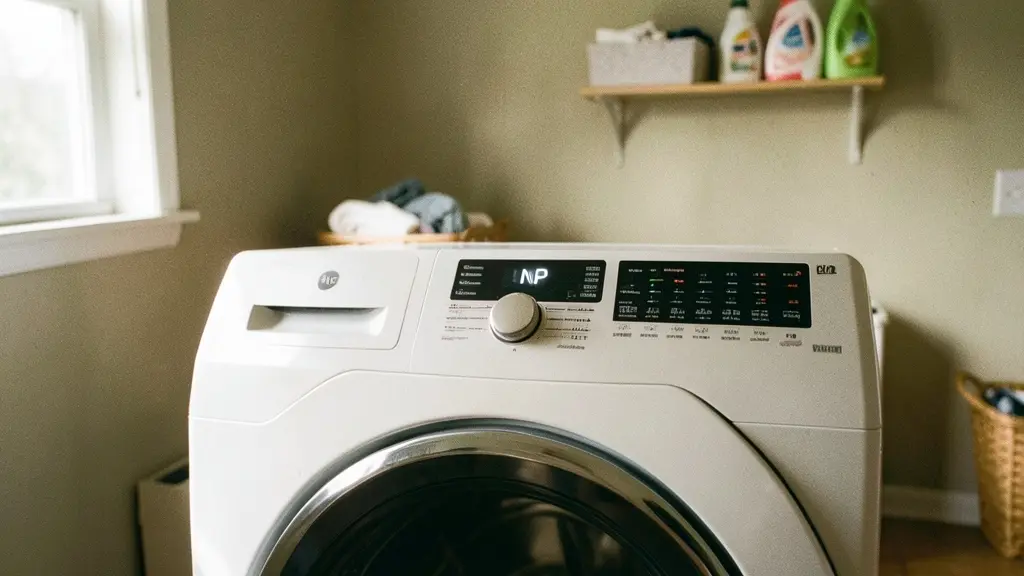
Table of Contents
When an LG electric dryer shows nP and the breaker looks normal, turn the dryer’s breaker fully OFF, wait about 30 seconds, and switch it back ON. Do this for both halves of the double breaker. If nP clears and the dryer heats, a weak breaker contact was the likely cause. If it stays or comes back, stop and look at the plug.
Most people check whether the breaker is tripped and stop there. A double-pole breaker feeds two separate 120V legs, and one leg can drop out while the handle still sits in the ON position. This guide shows how to reset both halves safely, what burn marks on a 3- or 4-prong plug look like, and the point where you hand the job to a licensed electrician.
1. Why nP appears even though the breaker did not trip
On many LG electric dryers, nP points to a problem with the incoming power supply, most often a missing leg of the 240V circuit. Check your model’s manual to confirm the wording for your unit. This is why the dryer can look half alive.
A US electric dryer is fed by two hot legs, each carrying about 120V to ground. The control board and display run on a single 120V leg. The heating element needs both legs together for 240V. If one leg drops out, the display lights up and the drum may even turn, but the dryer reports a power problem and won’t heat properly.
A double breaker can lose one leg without tripping. These are the usual reasons:
- Worn or burnt contact inside one pole. The handle stays ON, but that side no longer passes current.
- Loose connection at the panel bus. The breaker clips onto the bus bar, and a poor grip on one stab leaves one leg dead.
- Two single breakers tied together with a handle tie. One side can drop to OFF or the middle position while the other stays up.
- Heat damage at the plug or outlet. A loose, scorched connection can cut one leg after the breaker, so the breaker never sees a fault.
A breaker that looks ON is not proof that both legs are live. Treat the handle position as a hint, not a test.
2. Step-by-step: reset both halves and inspect the plug
You can do all of this without opening the panel or touching a wire. Dry hands, dry floor, and the panel cover stays on.
- Stop the dryer. Press Power to turn it off so nothing is running when the power returns.
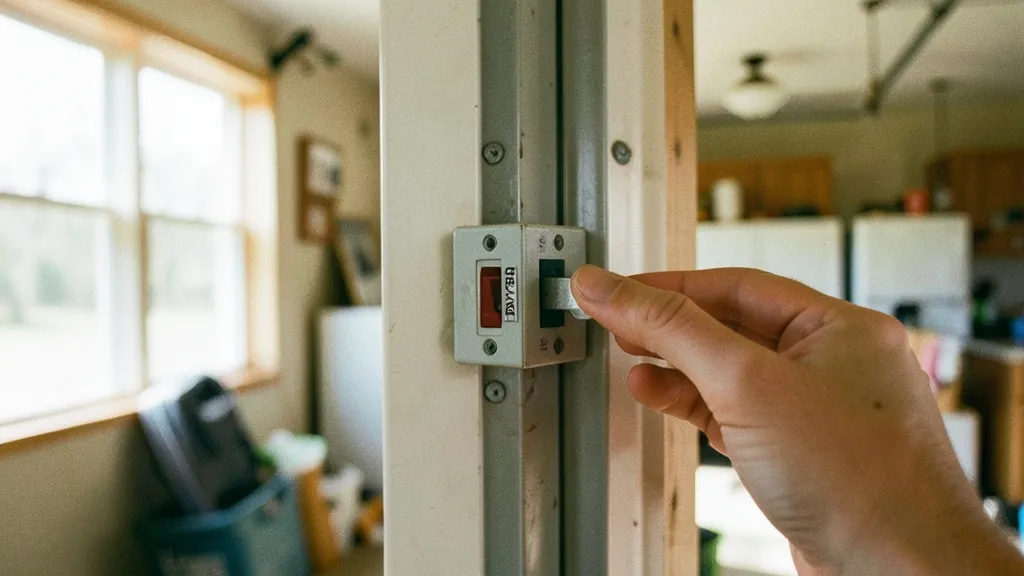
- Find the dryer breaker. It’s usually a 30-amp double-pole breaker (two switches side by side or one wide switch) labeled DRYER. Stand to the side of the panel, not directly in front.
- Push each handle firmly to OFF. A tripped handle often rests in the middle, so you have to push it all the way to OFF before it will go ON. If two handles are tied together, check that both are fully down.
- Wait about 30 seconds. This lets the dryer’s control board fully power down.
- Unplug the dryer while the breaker is OFF. Pull the dryer out a few inches, keeping the vent duct from kinking or detaching. Grip the plug body, not the cord.
- Inspect the plug and outlet (details in the next section). If you see any damage, stop here.
- If everything looks clean, plug it in fully. The plug should seat firmly with no wobble.
- Switch the breaker ON firmly. Push each half all the way up. You should feel a definite click.
- Run a 10-minute timed dry on medium heat. After 3–5 minutes, open the door and feel the clothes or drum. They should be warm. If nP is gone and the dryer heats, the reset worked.
If the breaker refuses to stay ON, feels hot, buzzes, or smells like burnt plastic, leave it OFF and call an electrician.
3. How to spot burn marks on a 3- or 4-prong dryer plug
Unplug the dryer first, and do this check with the breaker OFF. Hold the plug under a bright light or use your phone flashlight.
A 3-prong plug has two angled hot blades and one L-shaped neutral blade. It’s common in older homes. A 4-prong plug has two angled hot blades, one flat neutral blade, and a round ground pin, and is the standard on newer installs.
Look for these signs on the plug:
- Brown or black discoloration around any prong or on the plastic face
- Melted, warped, or bubbled plastic around the blades
- Pitted, blackened, or blue-tinted prongs
- A sharp burnt-plastic smell that lingers after the plug has cooled
- A plug that feels loose in the outlet or falls out under its own weight
Then check the wall outlet face for scorch marks, a cracked cover, or soot around the slots.
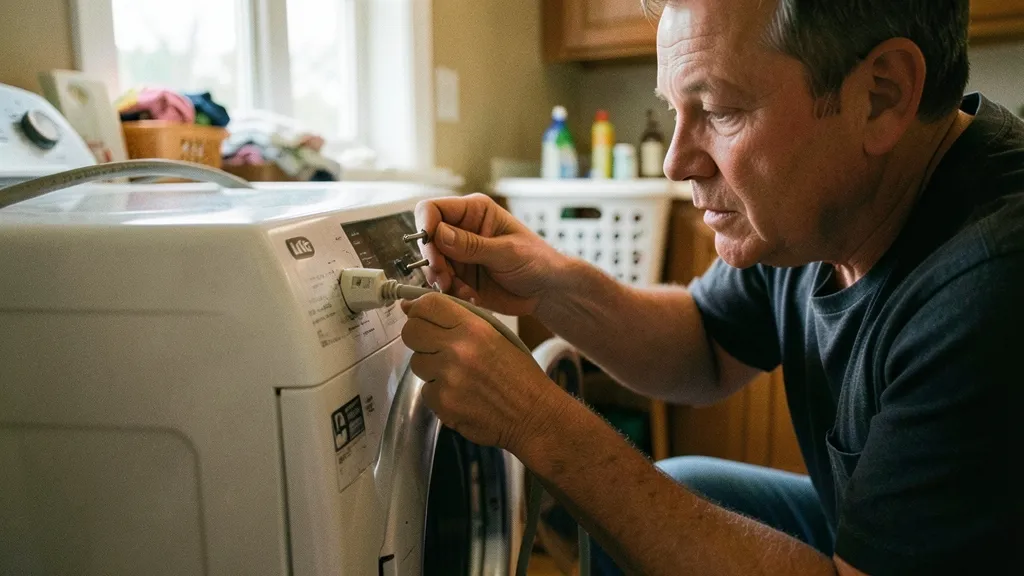
Light shine on the prongs is normal. Dark charring or melting is not. Don’t sand the prongs, scrape the outlet, or plug the dryer back in “just to see.” A hot connection can keep heating under a full 24-amp or so dryer load until it fails.
4. When to call a licensed electrician
Your DIY ends at the plug and the breaker handle. Call a licensed electrician if any of these are true:
- The plug or outlet shows burn marks, melting, or soot. This means the connection overheated and the cord or outlet needs replacing.
- The breaker won’t stay ON or trips again right after you reset it.
- The breaker or panel feels warm or hot to the touch, or you hear buzzing.
- nP returns within days or weeks after a clean reset. That points to a worn breaker or loose connection that needs testing under load.
- Lights dim or other 240V appliances act strangely (a range element that won’t heat, or an electric water heater giving lukewarm water). That may mean the problem is at the panel or service, not the dryer.
Don’t open the dryer’s rear terminal cover to “tighten the wires,” and don’t swap a 3-prong cord for a 4-prong one yourself. Those are wiring jobs, and the wrong configuration can leave the dryer chassis energized. An electrician can confirm roughly 240V across the two hot terminals at the outlet (some multi-unit buildings supply closer to 208V) and replace the breaker, outlet, or cord.
If the electrician confirms good voltage at a sound outlet and nP still shows, then the dryer is the next suspect. That’s a job for an appliance technician. You can compare other codes in our LG dryer error codes guide.
5. Quick reference: what you see and what to do
| What you notice | Likely cause | What to do |
|---|---|---|
| nP clears after OFF/ON reset, dryer heats | Weak breaker contact or momentary power dip | Run a test load, tape a dated note on the breaker, and watch for a repeat |
| nP returns within days or weeks | Worn breaker or loose connection | Call a licensed electrician to test and likely replace the breaker |
| Display works, drum spins, no heat, nP | One 240V leg missing | Reset both breaker poles; if unchanged, call an electrician |
| Brown or black marks on the plug or outlet | Overheated connection | Leave the dryer unplugged and call an electrician |
| Plug is loose in the outlet | Worn outlet or bent prongs | Don’t use it; have the outlet and cord checked |
| Breaker is warm, buzzing, or won’t stay ON | Failing breaker or panel connection | Leave it OFF and call an electrician |
| Power is confirmed good but nP stays | Fault inside the dryer | Call an appliance technician |
6. Common mistakes and how to avoid them
- Trusting the handle position. A breaker can look ON and still be dead on one leg. Always cycle the breaker fully OFF and ON before you decide it’s fine.
- Flipping only one side. On a tied pair, push both handles to OFF, then both to ON. Resetting just one can leave the other in a weak state.
- Running the dryer with a discolored plug. The dryer draws a heavy load for 40–60 minutes at a time, and a bad connection heats the most under that load. Replace the cord or outlet first.
- Using an extension cord or adapter. A dryer needs a dedicated 240V circuit with the correct plug. Extension cords and adapters add resistance and heat.
- Replacing the breaker or cord yourself without the know-how. Panel and wiring work is where a mistake becomes a fire or shock hazard. Pay for the electrician visit.
Once power is restored and clothes still come out damp, the problem may be airflow rather than electricity. Our guide on a Maytag dryer that takes two cycles to dry clothes walks through vent and lint checks that apply to any brand. And if your electric water heater has also run lukewarm, this walkthrough on resetting an electric water heater’s red reset button covers the safe first checks for another 240V appliance.
Frequently asked questions
Can a breaker be bad even though it hasn’t tripped?
Yes. A double-pole breaker can fail on one pole through a worn contact or loose bus connection and never trip. The handle stays ON, but one 240V leg is dead. Cycling it OFF and ON, then having an electrician test it if the problem returns, is the safe approach.
Is it safe to keep using the dryer if nP clears after a reset?
Only if the plug and outlet showed no discoloration or melting and the dryer runs normally. If nP comes back within a few weeks, stop using it and call a licensed electrician. A repeat points to a worn breaker or loose connection that won’t fix itself.
Does nP mean my LG dryer is broken?
Not usually. nP most often points to the power supply feeding the dryer, not a failed part inside it. Rule out the breaker, plug, and outlet first. If an electrician confirms good power and the code stays, then ask an appliance technician to check the dryer.
You might also like
Hand-picked suggestions based on what you are reading
Electric Water Heater No Hot Water: 7 Checks Before You Call
Electric water heater no hot water? Check the breaker, the red reset button, and the upper element first. Step-by-step safe checks and when to call a pro.
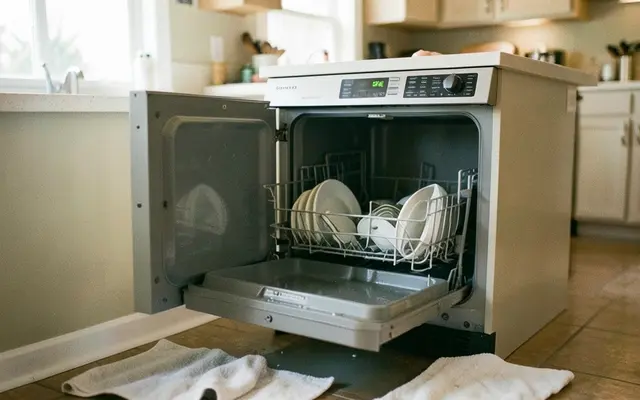
Bosch Dishwasher E24 Error: How to Clean the Drain Pump
Bosch dishwasher E24 error? Cut power, clean the filter and drain pump, check the hose and disposal knockout plug, and learn when to call a pro. Start here.
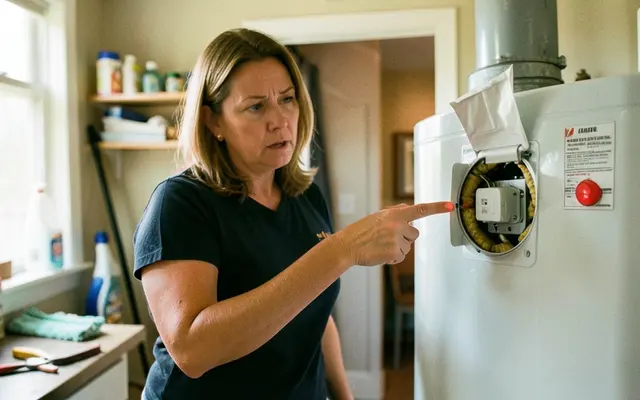
How to Reset Electric Water Heater Red Reset Button Safely
Learn how to reset an electric water heater red reset button safely: breaker off, verify no power, press once, and know when to call a licensed pro.