LG Dryer Error Codes Guide: What Each Code Means & Fixes
Decode LG dryer error codes like d80, dE, tE, LE and nP. See what each means, the safe checks to try first, and when to call a pro. Start here.
Table of Contents
Most LG dryer error codes fall into four groups: vent blockage (d80, d90, d95), door (dE, dE4), sensor (tE1–tE6), and power or motor (nP, PF, LE). Start by writing down the code, then unplug the dryer for 5 minutes. That clears a one-time glitch and tells you whether the code is real.
People often jump to a part swap because the code looks serious. In practice, a clogged vent or a door pinched by a sock causes a large share of these codes, and neither costs anything to fix. This guide explains what each LG dryer error code usually means, what to check first, and where DIY stops.
Safety first: Unplug the dryer (or switch off its double-pole breaker) before you remove any panel or pull the unit away from the wall. On a gas dryer, never disconnect or bend the gas line yourself. Leave anything involving gas, the 240V terminal block, or a burning smell to a licensed pro.
1. How to read an LG dryer code before you touch anything
LG uses short codes, and the exact wording varies by model and year. Newer models with a screen may show a plain-language message instead of a code. The owner’s manual for your model number (printed on the sticker inside the door frame) is the final word, so use the table below as a starting point.
Here is the routine that works for most codes:
- Write down the code and what the dryer was doing when it appeared (heating, tumbling, starting up).
- Press Power, then unplug for 5 minutes. On a 240V dryer, flipping the breaker off for 5 minutes does the same job.
- Restart with a half-size load of mixed clothes, not a full drum of towels.
- If the same code returns within one cycle, treat it as a real fault and follow the matching fix below.
A code that disappears and never comes back was likely a power blip or an overloaded drum. One that returns in the same spot every time points to a specific component.
2. LG dryer error codes quick reference
Use this table to find your code fast. “First check” is the safest thing to try before ordering parts.
| Code | What it usually means | First check |
|---|---|---|
| d80 / d90 / d95 | Exhaust vent is restricted (higher number = more blocked) | Clean lint screen, then inspect the vent run |
| dE / dE4 | Door not detected as closed, or door switch problem | Look for clothing caught in the door; close firmly |
| tE1–tE6 | Temperature sensor (thermistor) circuit reading out of range | Reset, clean lint around the sensor, then call or test the sensor |
| LE / LE1 | Drive motor is locked, strained, or not turning | Reduce the load; check whether the drum spins by hand |
| nP | Dryer is not getting full 240V power | Check cord, outlet, and both breaker poles |
| PF | Power failed during the cycle | Press Start again |
| CL | Child lock is on | Hold the lock button (usually 3 seconds) to turn it off |
If your code isn’t listed, search the exact code plus your model number in the manual’s troubleshooting section rather than guessing from a general list.
3. d80, d90, d95: the vent blockage codes
These are the most common LG dryer codes, and the fix is usually airflow. A dryer pushes hot, moist air out through a duct, and when lint builds up, the sensor reports how restricted the path is. d80 is a warning, d90 is serious, and d95 is close to a full blockage.
Work through this sequence:
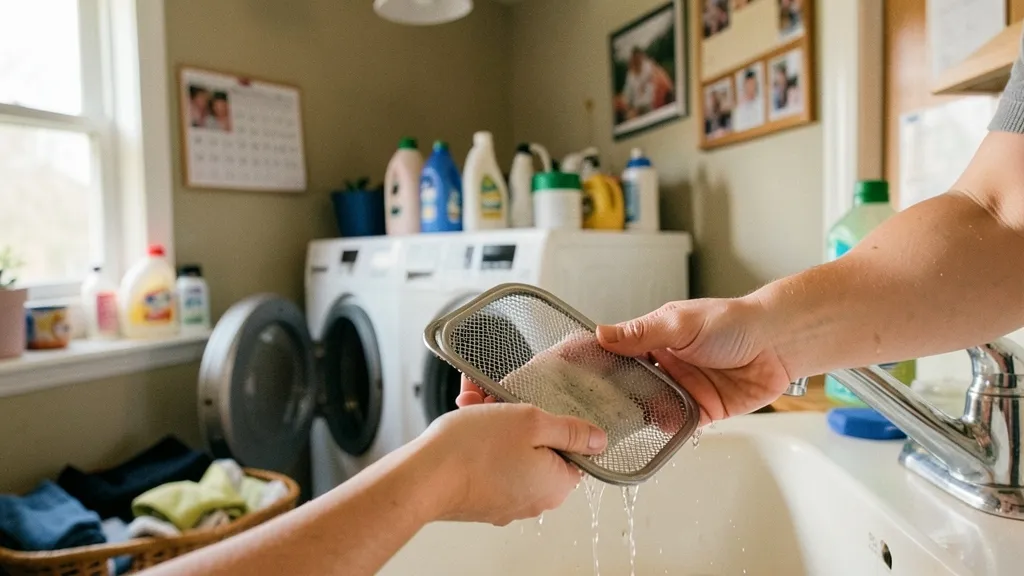
- Unplug the dryer and clean the lint screen. Rinse it under warm water with a drop of dish soap if the mesh looks shiny or filmy, then let it dry completely. Fabric softener sheets leave a residue that blocks airflow even when no lint is visible.
- Vacuum the lint trap housing with a narrow crevice tool or a lint brush that reaches down the slot.
- Pull the dryer 2 to 3 feet from the wall and check the duct. It should be a 4-inch metal duct, as short and straight as possible. Crushed foil or white vinyl accordion duct traps lint and can sag or kink.
- Disconnect the duct from the dryer and from the wall, and clear it with a dryer vent brush kit or a vacuum. Work from both ends when you can.
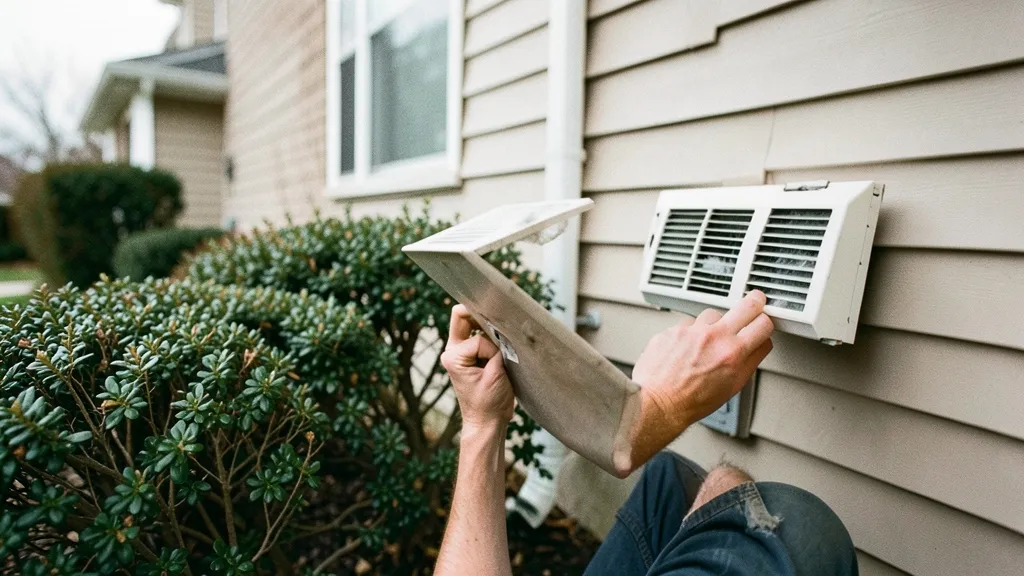
- Check the outside hood. The flap should swing open fully when the dryer runs, with no bird nest or lint mat behind it.
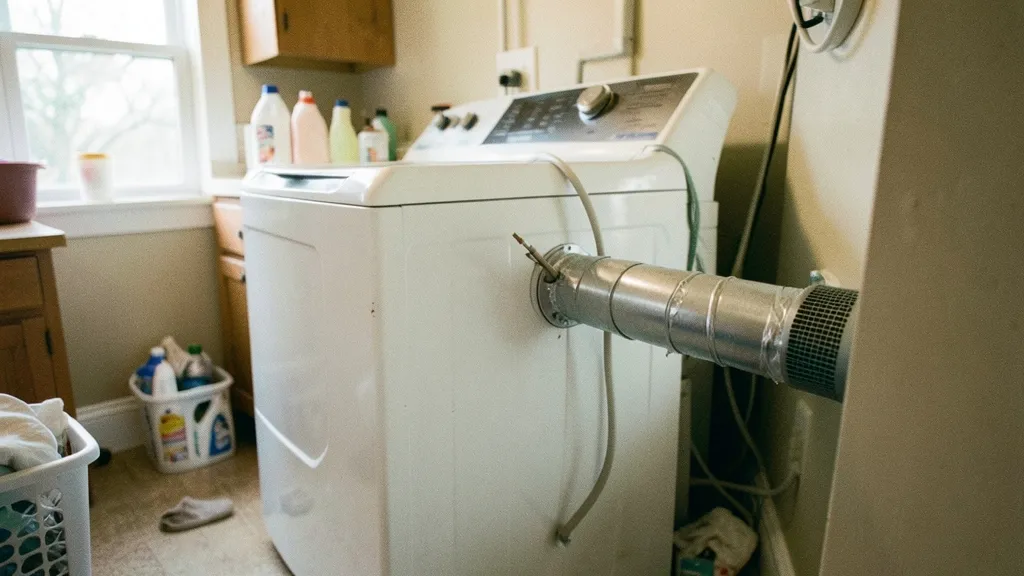
For a full walkthrough with tools and safety steps, see how to clean a dryer vent safely. Long runs with several 90-degree elbows are a common reason the code keeps coming back after cleaning, and your manual lists the maximum vent length for your model.
Another sign of the same problem is clothes that need two cycles to dry. Maytag dryer takes two cycles to dry clothes covers that symptom, and the airflow logic applies to LG as well.
A 60-second airflow test
Run the dryer on air-only or low heat for 2 minutes. Go outside and hold your hand near the vent flap.
- Strong, steady flow with the flap fully open: the vent is probably fine, so look at the sensor or lint screen next.
- Weak puff or flap barely lifting: the blockage is in the duct or hood.
- No air at all: stop using the dryer until the duct is cleared.
4. dE and dE4: door errors
The dryer won’t start because it believes the door is open. Before suspecting the switch, check for a sock, towel corner, or drawstring caught at the door edge. Even a small fold can keep the latch from engaging.
- Close the door with a firm push until you feel the click, then press Start within 5 seconds.
- Wipe the door frame and latch area with a damp cloth. Lint and dried detergent can interfere with the switch.
- Check the latch for visible damage, such as a cracked plastic hook or a loose strike on the door.
If the dryer still shows dE with a clean latch, the door switch or wiring is the likely cause. Replacing a door switch is within reach for many DIYers, but it means removing panels, so unplug first and take a photo of the wiring before disconnecting anything. If you aren’t comfortable, a service call for this repair is usually short.
5. tE codes: temperature sensor faults
A tE code means the control board sees a reading from the thermistor that doesn’t make sense, such as an open or shorted circuit. Lint film on the sensor, a loose connector, or a failed sensor can all trigger it.
Try this order:
- Reset by unplugging for 5 minutes.
- Clean the lint screen and the duct (heat and airflow problems can mimic sensor issues).
- If the code returns, the next step is checking the sensor connector or testing the sensor with a multimeter, using the resistance range in your model’s service sheet.
Don’t replace a sensor on a guess. A sensor that tests within spec points to a loose harness or a control board issue, and that is a technician call.
If your dryer runs but doesn’t heat and shows no code, the heating element is the usual suspect. Testing a dryer heating element walks through the continuity test on an electric model.
6. nP: the dryer isn’t getting full 240V
Electric LG dryers need a 240V circuit, usually a 30-amp double-pole breaker. If one of the two legs is missing, the control panel may light up (it runs on 120V) but the dryer can’t heat or tumble properly, and nP can appear.
Try these safe checks:
- Push the plug in fully at the wall outlet. On a 4-prong cord, a half-seated plug is a classic cause.
- Look at the breaker panel. A tripped double-pole breaker can sit in a middle position. Switch it fully off, then fully on.
- Check whether the washer or other appliance on the same wall works. If they do, the issue is isolated to the dryer circuit.
If the breaker looks fine and nP persists, you’re dealing with a loose terminal block connection, a bad cord, or a failing breaker. Those are electrician or technician jobs, not DIY. The article on the LG dryer nP code when the breaker hasn’t tripped explains how that situation develops and what to tell the technician.
7. LE: motor locked or strained
LE usually means the drive motor isn’t turning freely. The most common cause is simple: an overloaded or unbalanced drum, such as a wet comforter or a full load of jeans.
- Remove half the load and try again with a mixed, lighter load.
- Open the door and spin the drum by hand (power off). It should turn with steady resistance. If it spins freely with no resistance, the belt may have snapped. If it’s very stiff or jammed, something may be caught or a bearing has failed.
- Listen at startup. A humming motor with no drum movement points to a stuck drum or a failed motor, and a loud squeal points to worn rollers.
Belt and roller replacements are doable if you’re comfortable removing the cabinet, but the work involves sharp metal edges and tight spaces. Bring in a pro if the drum feels locked.
8. When to stop and call a technician
Some codes aren’t worth chasing at home. Stop and call a licensed appliance technician (or an electrician) if:
- You smell gas or burning, or see scorch marks near the cord, outlet, or terminal block.
- The code returns right after a reset and the vent and lint screen are clean.
- The breaker trips repeatedly when the dryer runs.
- You need to touch the 240V terminal block, gas valve, or burner assembly.
A dryer that’s more than a decade old may also be better replaced than repaired, but that decision depends on the repair estimate and your situation.
9. Common mistakes with LG dryer codes
- Resetting and ignoring the code. A reset clears the display, not the cause. If d80 or d90 comes back, the vent needs attention.
- Cleaning only the lint screen. The screen catches most lint, but the duct holds the rest. Clean both, and do the duct at least once a year, more often with pets or heavy loads.
- Using flexible foil or vinyl duct. It sags, traps lint, and kinks behind the dryer. Switch to rigid or semi-rigid metal duct.
- Replacing parts before checking power or airflow. Many tE, LE, and nP complaints come down to a loose plug, a blocked vent, or an overstuffed drum.
- Overloading the drum. Large comforters and rugs strain the motor and can trigger LE. Dry them in smaller loads or use a laundromat’s large-capacity machine.
Frequently asked questions
How do I reset an LG dryer after an error code?
Press Power to turn the dryer off, then unplug it or switch off its breaker for 5 minutes. Plug it back in and run a short cycle with a half load. If the same code reappears in the first cycle, the problem is real and needs the matching fix.
What does d80 mean on an LG dryer?
d80 is a vent restriction warning: airflow through the exhaust duct is reduced. Clean the lint screen, then check the vent duct and outside hood for lint. If you ignore it, the code can progress to d90 or d95, and drying times will keep getting longer.
Can I keep using the dryer with an LG error code showing?
It depends on the code. With d80, you can finish a load, but clear the vent soon since a restricted vent adds heat and lint-fire risk. With nP, tE, or LE, stop using it until you find the cause. Any burning smell means unplug it immediately.
What to do next
Match your code to the table, run the 5-minute reset, and check airflow first. Most LG dryer codes clear once the vent is open, the door is latching, and the load is lighter. If the code persists after those checks, note the model number and code before you call a technician so the visit goes faster.
You might also like
Hand-picked suggestions based on what you are reading
Bosch Dishwasher E24 Error: How to Clean the Drain Pump
Bosch dishwasher E24 error? Cut power, clean the filter and drain pump, check the hose and disposal knockout plug, and learn when to call a pro. Start here.
Electric Water Heater No Hot Water: 7 Checks Before You Call
Electric water heater no hot water? Check the breaker, the red reset button, and the upper element first. Step-by-step safe checks and when to call a pro.
Garbage Disposal Humming But Not Spinning: Hex Key Reset
Garbage disposal humming but not spinning? Use a 1/4-inch hex key to free the jam, then press the red reset button. Safe steps and when to replace.